
 EN
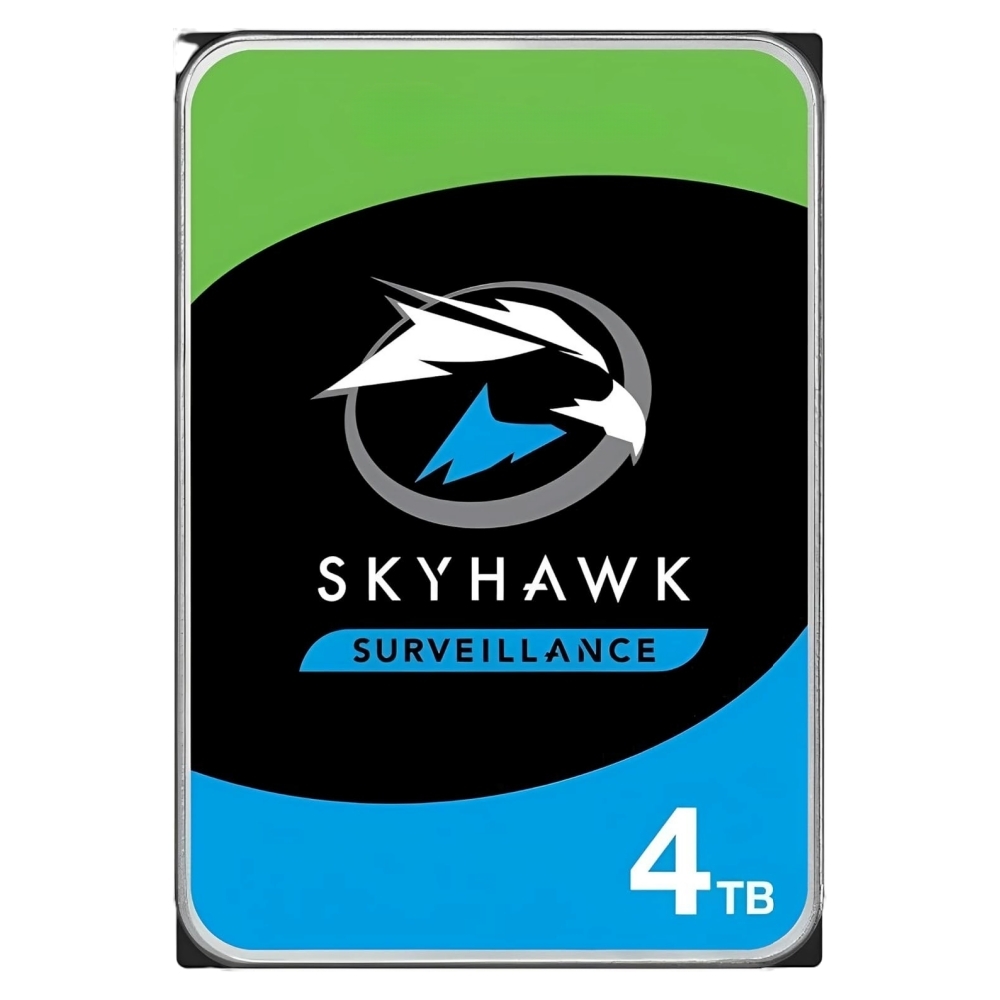
Selecting the right hdd for your organization requires understanding how capacity and form factor directly impact backup, archive, and active storage performance. An hdd remains a cornerstone of enterprise data infrastructure, balancing cost-effectiveness with reliable long-term retention. The choice between different hdd capacities and physical designs shapes your entire storage architecture, affecting everything from deployment flexibility to operational efficiency. This guide explores how to match hdd specifications to your actual workload requirements, ensuring optimal performance and value across all storage tiers.

Modern enterprises face diverse storage demands that extend far beyond simple capacity provisioning. Each hdd you deploy must serve specific purposes within your infrastructure—whether capturing frequent backups, maintaining long-term archives, or supporting active database operations. Understanding hdd form factors and capacity ranges empowers you to design a storage solution that scales efficiently while maintaining accessibility and performance standards your business requires.
Understanding HDD Form Factors and Their Applications
Common HDD Form Factors in Enterprise Environments
Enterprise hdd deployments typically rely on two dominant form factors: 3.5-inch and 2.5-inch drives. The 3.5-inch hdd remains the standard for data center installations, offering the highest capacity densities and most cost-effective performance per terabyte. These larger hdd units fit naturally into standard rack-mounted storage enclosures and achieve superior spindle speeds compared to smaller alternatives. The 2.5-inch hdd serves specialized roles, particularly in space-constrained environments or applications demanding rapid deployment flexibility. Understanding which hdd form factor aligns with your physical infrastructure determines how effectively you can scale storage without redesigning your deployment.
Form Factor Impact on Storage Architecture
Your choice of hdd form factor influences enclosure compatibility, power consumption, and cooling requirements across your data center. A 3.5-inch hdd typically draws more power than a 2.5-inch hdd, but delivers superior capacity per unit, reducing the total drive count needed for large-scale deployments. Organizations running dense, rack-optimized storage systems benefit from selecting hdd form factors that match their enclosure specifications precisely. Misaligning hdd form factors to your infrastructure forces costly retrofitting or underutilization of installed capacity, directly impacting your storage investment return.
Capacity Selection for Backup, Archive, and Active Storage
Matching HDD Capacity to Backup Requirements
Backup hdd deployments require careful capacity planning because backup windows directly influence which hdd sizes deliver acceptable performance. Modern hdd options range from 8TB to 20TB and beyond, each serving different backup cadences and retention policies. Selecting a higher-capacity hdd reduces the total number of drives needed, lowering power consumption and simplifying management across your backup infrastructure. However, each hdd capacity level carries distinct performance characteristics and cost-per-terabyte economics that influence backup speed and recovery time objectives. When designing backup systems, the ideal hdd capacity balances your recovery point objective against the acceptable duration for completing full backup cycles.
Archive Storage and Long-Term Retention HDD Strategies
Archive hdd workloads prioritize raw capacity and cost-efficiency over access speed, making high-capacity hdd models particularly valuable for compliance and long-term data retention. An hdd designed for archive operation typically uses different spindle speeds and head designs compared to active storage hdd units, optimizing for sequential access patterns rather than random operations. Selecting the largest practical hdd capacity for archive purposes minimizes the enclosure footprint and total cost of ownership across multi-year retention periods. Archive hdd performance metrics focus less on throughput and more on reliability, vibration tolerance, and mean time between failures across statistically mixed workload environments.
Active Storage HDD Performance and Capacity Considerations
Active storage hdd requirements differ significantly from backup and archive applications because applications demand immediate access and higher input-output operations per second performance. The hdd capacity you select for active storage directly affects both performance consistency and cost per operation across database, virtualization, and real-time analytics platforms. Mid-range hdd capacities—typically 10TB to 16TB—often deliver optimal balance between total throughput and random access latency for active storage deployments. An hdd selected for active storage must support continuous operation, manage thermal profiles across diverse workload patterns, and maintain consistent performance without degradation during peak demand periods.
Evaluating HDD Specifications for Infrastructure Fit
Performance Metrics Beyond Raw Capacity
An effective hdd selection process examines spindle speed, cache size, and workload rating alongside pure capacity numbers. Most enterprise hdd models operate at 7200 RPM or higher, with cache sizes ranging from 64MB to 256MB depending on the intended hdd application tier. The hdd workload rating—measured in annual terabytes transferred—indicates how intensively that drive handles concurrent requests across multi-user environments. Selecting an hdd with appropriate workload ratings prevents premature failure and performance degradation when your actual usage patterns exceed the hdd's thermal or mechanical design limits.
Reliability and Total Cost of Ownership
An hdd's mean time to failure specification directly impacts your total cost of ownership calculations because higher-reliability hdd models reduce unplanned replacement costs and data recovery expenses. Enterprise-class hdd drives feature enhanced vibration tolerance, improved bearing designs, and specialized firmware that extends operational life in 24/7 environments. When selecting hdd units for critical backup and active storage, choosing higher-reliability hdd options reduces overall operational expense despite higher upfront unit costs. The hdd selection decision ultimately balances purchase price against failure rate, warranty terms, and the business cost of unplanned downtime or data loss scenarios.
FAQ
What is the best hdd capacity for enterprise backup systems?
The ideal hdd capacity for backup depends on your backup window duration and data growth rate. Most enterprises deploy 12TB to 18TB hdd models for backup purposes, balancing the drive count against acceptable backup speed and cost efficiency. Larger hdd capacities reduce the total number of drives needed, simplifying cable management and reducing power consumption, while still maintaining reasonable backup completion times across typical enterprise data volumes.
How do 3.5-inch and 2.5-inch hdd form factors differ in archival storage?
The 3.5-inch hdd offers substantially higher capacity per unit and lower cost per terabyte, making it the preferred choice for archive deployments where space and cost matter most. A 2.5-inch hdd provides portability and fits into smaller enclosures but sacrifices capacity density. Archive hdd workloads rarely need the speed advantages of smaller form factors, so most organizations standardize on 3.5-inch hdd units for archival infrastructure to maximize storage efficiency.
Can an hdd designed for archive work effectively in active storage applications?
Archive-optimized hdd models are not recommended for active storage because they use slower spindle speeds and different read-write optimization, resulting in poor performance under continuous random access patterns. Active storage requires hdd units engineered for higher input-output operations per second and faster response times. Deploying an archive hdd in active storage environments causes application delays, timeout errors, and suboptimal resource utilization, so matching hdd specifications to actual workload tier remains essential for reliable performance.
