
 EN
EN
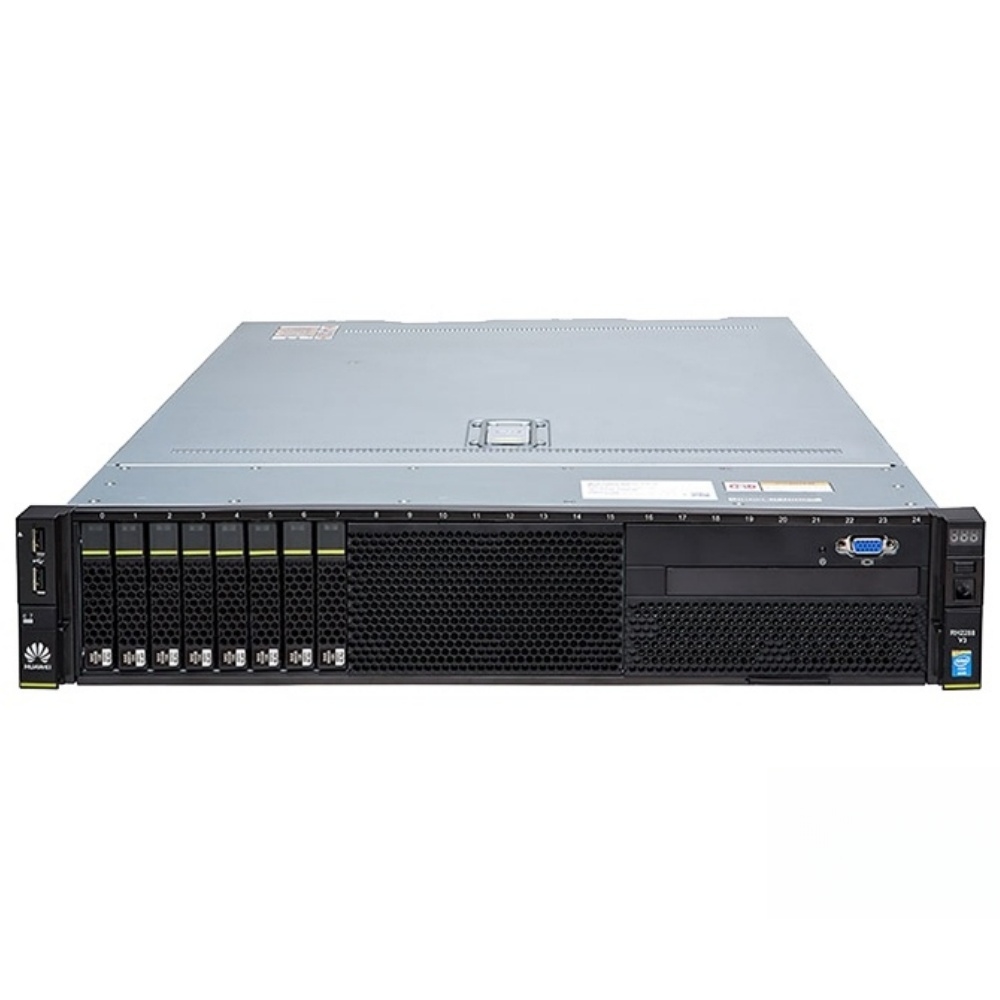
Choosing the correct server configuration is one of the most consequential decisions an IT team can make. Whether you are deploying virtual machines, managing high-transaction databases, or building a private cloud environment, the server configuration you select directly determines application performance, operational stability, and long-term infrastructure cost. Getting this decision right from the start prevents costly hardware replacements and performance bottlenecks down the road.
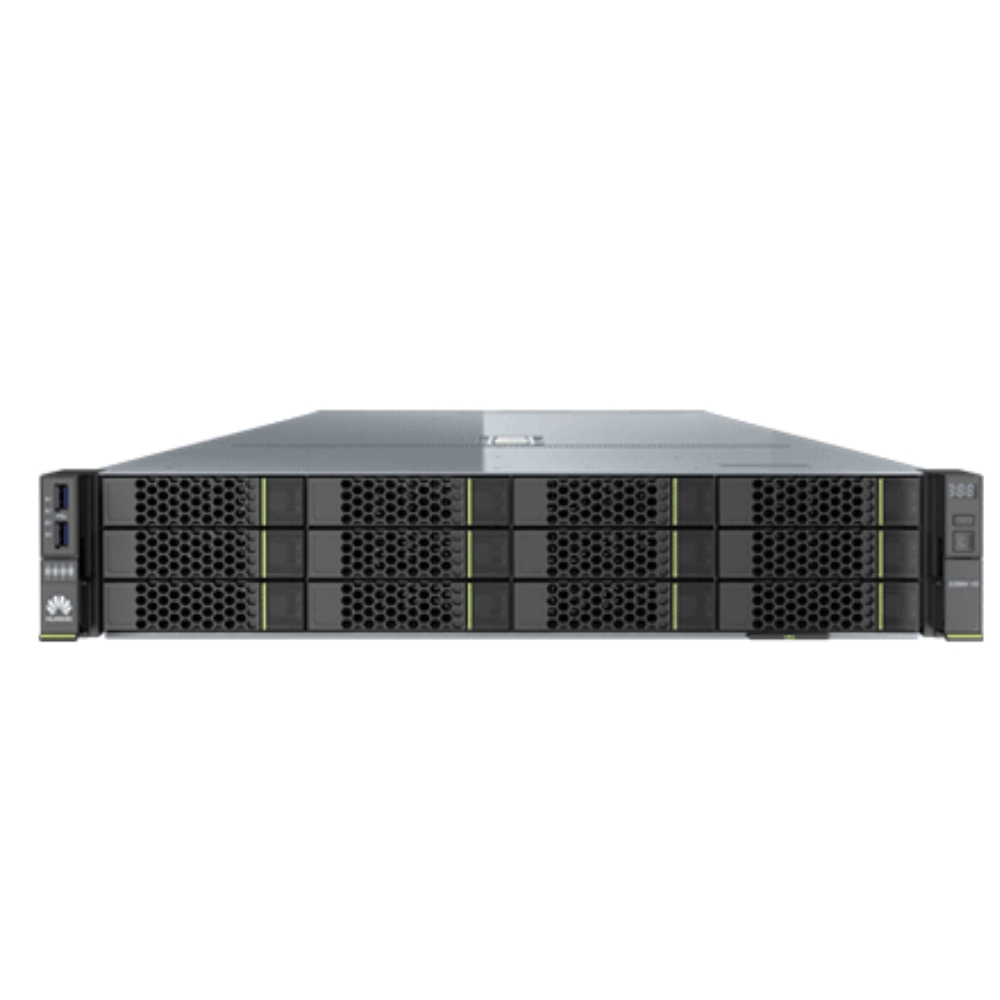
The challenge is that each workload type has distinctly different demands. A server configuration optimized for virtualization may underperform when repurposed for an analytics database, and a server configuration designed for cloud orchestration may be over-engineered for a small transactional workload. Understanding the technical and operational profile of each workload type is the foundation of any smart server configuration decision. This article walks through the key selection criteria for virtualization, database, and cloud workloads so you can match the right server configuration to each environment with confidence.
Server Configuration Fundamentals for Workload Matching
Why Workload Type Drives Server Configuration Choices
Every server configuration is defined by its combination of processor, memory, storage, and network resources. The way these components are balanced determines which workload type the server configuration serves best. A workload-first approach means you begin with the application demands and then build the server configuration outward from those requirements. This prevents the common mistake of purchasing a generic server configuration and hoping it performs adequately across all use cases.
Virtualization workloads are CPU-intensive and memory-hungry by nature. A server configuration for virtualization must support a high core count, large memory capacity, and fast local storage for VM disk images. Database workloads require a server configuration that prioritizes memory bandwidth, fast NVMe or SAS storage with low latency, and strong I/O throughput. Cloud workloads demand a server configuration with flexible scaling, high network bandwidth, and software-defined resource management. Each profile calls for a meaningfully different server configuration strategy.
Core Components That Define a Server Configuration
When evaluating any server configuration, four core components deserve careful analysis. The CPU selection within the server configuration determines raw compute throughput and the number of virtual cores available for parallel workloads. The memory capacity and speed within the server configuration determines how much working data can be held in fast-access RAM before slower disk reads are needed. The storage subsystem of the server configuration controls I/O latency and throughput, which is critical for both databases and VM storage. Finally, the network interface capability of the server configuration affects how quickly data moves between servers, clients, and external services.
Server Configuration Guidelines by Workload Type
Virtualization-Optimized Server Configuration
A virtualization-optimized server configuration typically features a dual-socket processor layout to maximize virtual CPU assignment across multiple guests. The server configuration should support at least 512 GB of RAM expandable to 1 TB or beyond, since each virtual machine consumes a dedicated memory allocation. High-density DIMM slots in the server configuration allow you to scale memory without replacing the platform. A 2U rack server configuration is commonly preferred in virtualization deployments because it balances density with expansion slots, allowing multiple NVMe drives and additional PCIe cards for GPU or accelerator add-ons.
Storage within a virtualization server configuration should support both fast boot drives and tiered data storage. An all-flash or hybrid storage server configuration reduces VM boot storms and ensures consistent IOPS during peak load. Redundant power supply units are essential in any production virtualization server configuration to maintain uptime during power module failures. A robust BIOS and BMC management layer within the server configuration also simplifies VM lifecycle management and remote diagnostics.
Database and Cloud Workload Server Configuration
A database server configuration prioritizes memory capacity and storage I/O above almost all other factors. In-memory database engines and relational systems with large buffer pools require a server configuration with maximum DIMM population and support for high-speed DDR5 memory. NVMe SSDs in the server configuration deliver the sub-millisecond latency that OLTP and OLAP workloads depend on. A RAID controller with battery-backed write cache within the server configuration protects against data corruption during unexpected shutdowns.
For cloud workloads, the server configuration must support software-defined networking and storage abstraction. A cloud-ready server configuration typically includes 25 GbE or 100 GbE network interfaces to support container orchestration and east-west traffic volumes. The server configuration should also offer strong IPMI or Redfish-based out-of-band management for automated provisioning. Modern cloud server configuration planning also considers processor support for virtualization extensions, trusted platform modules, and hardware security features that meet compliance requirements for multi-tenant environments.
Practical Factors When Finalizing a Server Configuration
Scalability and Future-Proofing the Server Configuration
A well-planned server configuration accounts for growth. Review whether the server configuration supports additional CPU sockets, memory expansion, and PCIe slot availability for future upgrades. A server configuration that is maximally populated from day one leaves no room to grow without replacing hardware. Building modest headroom into the initial server configuration extends the useful life of the platform and reduces total cost of ownership over a three-to-five-year cycle.
Power and cooling constraints also affect server configuration decisions. A high-density server configuration in a space-constrained rack must fit within available power draw and thermal dissipation limits. Review TDP ratings and power supply efficiency ratings when finalizing the server configuration for dense environments. A server configuration that exceeds rack power limits creates operational risks even if the hardware specifications otherwise meet workload requirements.
Vendor Support and Compatibility in Server Configuration Selection
The server configuration you select should be validated for your operating system, hypervisor, and application stack. Hardware compatibility lists exist for major hypervisors and enterprise operating systems, and verifying your server configuration against these lists avoids driver conflicts and support gaps. A server configuration that is certified for your software environment reduces deployment risk and simplifies future firmware and driver updates. Consistent server configuration standards across your fleet also simplify spare parts management and reduce operational complexity over time.
FAQ
What is the most important factor in a server configuration for virtualization?
The most critical element in a virtualization server configuration is memory capacity. Virtualization platforms allocate dedicated RAM to each guest, so a server configuration with large, expandable memory prevents contention between virtual machines and maintains stable performance under concurrent workloads.
Can the same server configuration support both database and cloud workloads?
A single server configuration can support both workloads if it is designed with sufficient memory, fast NVMe storage, and high-bandwidth networking. However, a purpose-built server configuration for each workload type typically delivers better performance and efficiency than a shared general-purpose server configuration.
How often should a server configuration be reviewed or updated?
A server configuration should be reviewed at least once per year or whenever workload demands change significantly. Regular server configuration audits help identify under-provisioned resources, inform capacity planning, and ensure the server configuration remains aligned with evolving application and business requirements.
